Ultimate Guide to Work From Van Setup for 2025
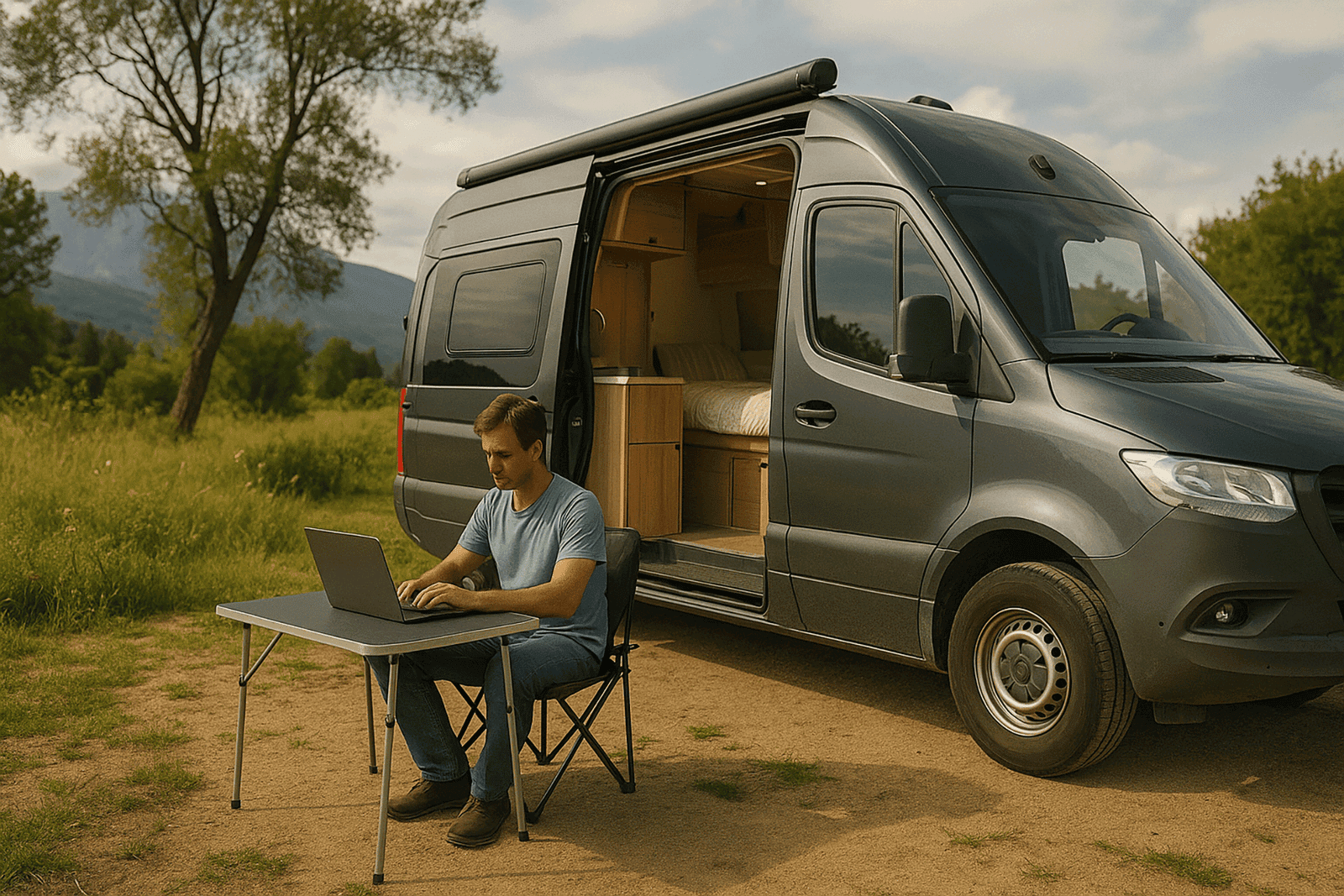
I spent £1,340 on my first work-from-van setup. Portable monitor, laptop stand, wireless keyboard, mouse, portable SSD, cable management system, desk lamp, premium laptop sleeve. It looked professional in photos.
I used the portable monitor exactly four times in six months before I sold it for £180.
The laptop stand created worse posture than just using the laptop on the table. The wireless keyboard's batteries died constantly. The desk lamp drained my battery faster than my actual work. The cable management was pointless in a van where everything moves.
Real cost of useful equipment: About £420. Money wasted on things I thought I needed: £920.
After three years of trying to get a decent setup, I know exactly what's essential versus what's YouTube-influenced nonsense. I've worked through Scottish winters with no heating (laptop died from cold). I've worked through heatwaves (laptop overheated, lost two hours of work). I've blown my inverter. I've run my battery flat during a Zoom call.
Understanding the essentials of a work from van setup can significantly enhance your productivity and comfort while working remotely.
This isn't another article showing you a beautiful desk setup with dual monitors and perfect lighting. This is the reality of working from a van in the UK — what actually works when you're parked in a lay-by with patchy signal, 40% battery, and a deadline in three hours.
I'll tell you what equipment is genuinely essential, what power setup you actually need (not the theoretical perfect system), and where to work when your van is too cold, too hot, or too depressing.
Let's get into it.
My Work-From-Van Evolution: Three Setups, Three Lessons
Setup 1: The Instagram Dream (£1,340)
What I bought:
- 15.6" portable monitor: £240
- Laptop stand (aluminum): £45
- Wireless keyboard: £60
- Wireless mouse: £35
- 1TB portable SSD: £120
- USB-C dock: £85
- Cable management kit: £25
- LED desk lamp: £40
- Laptop sleeve: £35
- External webcam: £55
- Blue Yeti microphone: £110
- Boom arm for mic: £35
- Second laptop battery: £180
- Laptop cooling pad: £55
- Ergonomic seat cushion: £40
- Noise-cancelling headphones: £280
Total: £1,440
What I actually used regularly:
- Laptop (already owned)
- Noise-cancelling headphones: £280
- SSD: £120
Total useful: £400
Money wasted: £1,040
What went wrong:
The portable monitor was heavy, needed separate power, took up precious desk space, and created glare issues. Within a month, I realized the laptop screen alone was fine.
The laptop stand elevated the screen but then I needed external keyboard/mouse. This meant more devices, more batteries to charge, more things to store, worse ergonomics hunching over to type.
The Blue Yeti microphone sounded amazing but was massive, needed boom arm, and my laptop's built-in mic was fine for Zoom calls. Nobody cared about audio quality that much.
The desk lamp drew 8W (0.7A at 12V) continuously. Sounds small until you realize that's 16Ah per day just for lighting. My battery was 110Ah. The lamp consumed 15% of daily capacity for marginal benefit.
What I learned: You don't need a "professional setup." You need a functional one.
Setup 2: The Overcorrection (Just a Laptop)
What I had:
- Laptop: Already owned
- Phone for hotspot: Already owned
- Nothing else
Cost: £0 (used what I had)
What I thought: The first setup was overkill. Let's go minimal.
Reality after 3 months:
Neck pain from hunching over laptop on table for 6-8 hours daily. Developed persistent stiffness that lasted weeks.
Eye strain from small laptop screen (13.3"). Ended work days with headaches.
Audio issues on calls. Laptop speakers are quiet. Built-in mic picks up background noise (wind, traffic, van creaks).
No backup storage when laptop had issue. Lost a day's work when laptop froze and hadn't saved.
Cost of mistake:
- Physiotherapy for neck: £180 (3 sessions)
- Lost work time: Estimate 8 hours = £200 at my rates
Total: £380 in problems from going too minimal
What I learned: There's a minimum functional setup. Going below it costs more in problems than the equipment would've cost.
Setup 3: Actually Right (Current Setup - £780)
What I have:
- Dell Latitude 14" laptop (2020 model, bought used): £420
- Bose QC35 II headphones (bought used): £120
- 1TB SSD external drive: £80
- Simple tablet/laptop holder (adjustable angle): £18
- USB power bank (20,000mAh): £35
- Phone mount for calls: £8
- Laptop cooling stand (passive, no fan): £12
- Basic wireless mouse: £15
- External phone battery pack: £25
- Backup USB charging cables: £12
- Small LED puck lights (battery, for evening): £18
- Laptop screen protector (reduces glare): £8
- Microfiber cloths (screen cleaning): £6
Total: £777 (call it £780)
Been using: 18 months, still perfect
What works:
Laptop holder (£18) angles screen to eye level but I still use built-in keyboard. No separate keyboard needed. Solves neck pain for minimal cost.
Headphones are essential. Block out van noise (rain, wind, traffic). Laptop speakers are rubbish. Mic is good enough for calls.
SSD backup saves work hourly (automated). When laptop died, I lost nothing. £80 well spent.
USB power bank charges laptop when main battery is low. Got me through several deadlines when I couldn't charge from van battery.
Passive cooling stand is just an aluminum plate with raised sections for airflow. No power draw, keeps laptop cool, costs £12.
Puck lights (£18) are battery-powered LED lights that stick anywhere. Use them for evening work without draining van battery. Each lasts 4-5 hours, batteries last weeks.
Everything else: Either already owned or not needed.
What I learned: The sweet spot is £500-800 for work equipment. Below that, you create problems. Above that, you buy things you won't use.
Laptop Choice: What Actually Matters
After using three laptops over three years in vans, here's what matters:
Battery Life (Most Important)
Minimum acceptable: 6 hours real-world use
Good: 8-10 hours
Excellent: 12+ hours
Why it matters:
Van power is limited. If your laptop only lasts 3-4 hours, you're constantly charging it, draining your van battery, or unable to work.
My Dell Latitude: 8-9 hours of actual work (Word, browser, Zoom). This means I can work a full day on laptop battery alone if van battery is depleted.
Testing battery life:
Ignore manufacturer claims. They test at 50% brightness with minimal load. Real battery life is 60-70% of claimed.
Dell claims 12 hours. Reality: 8-9 hours of my actual work.
Power Consumption
Check laptop wattage:
Most laptops: 45-65W (charging)
High-performance laptops: 85-150W (charging)
Gaming laptops: 150-300W (don't even consider these)
Why it matters:
Your inverter must handle the wattage. A 300W inverter can't charge a 150W laptop reliably.
My laptop: 45W charger. My inverter: 300W (pure sine wave). Works perfectly.
Screen Size vs Portability
13-14 inches: Best for vans (portable, adequate screen)
15-16 inches: Workable but bulkier
17+ inches: Too big for van work
My experience:
Started with 13.3" (too small, eye strain). Upgraded to 14" (perfect). Tried friend's 15.6" (noticeably heavier, doesn't fit on small van tables well).
Sweet spot: 14 inches
Build Quality
Van life is harsh on laptops:
- Temperature swings (-5°C to 35°C)
- Humidity and condensation
- Vibration while driving
- Limited space (more likely to knock/drop)
Business laptops > Consumer laptops
Dell Latitude, Lenovo ThinkPad, HP EliteBook: Built tougher, better keyboards, more reliable.
MacBooks: Premium but fragile. I've seen three crack screens from van movement. Expensive repairs.
My recommendation: Used business laptop (2-3 years old) from eBay. £300-500 gets you excellent quality. Save money, get tougher build.
Operating System
Windows: Most compatible, most repair options
MacOS: Premium, less repairable, expensive
Linux: Lightweight, free, requires tech knowledge
I use Windows. Widest compatibility, easiest repairs, most software options.
Storage
Minimum: 256GB SSD
Recommended: 512GB SSD
SSD (not HDD) is essential. HDDs fail from van vibration. SSDs are solid-state, much more reliable.
Cloud storage helps. I use Google Drive (100GB, £1.59/month) for automatic backup.
RAM
Minimum: 8GB
Recommended: 16GB
More RAM = smoother multitasking. Video calls + documents + browser + Spotify = 8GB minimum.
My laptop: 16GB. Comfortable for everything I do.
Ports
Essential:
- USB-A ports (3+)
- USB-C (charging + data)
- HDMI (if you use external monitor)
- Headphone jack
- SD card reader (nice to have)
More ports = less need for dongles/hubs = fewer things to lose/break.
What Doesn't Matter
- Touchscreen (gimmick, drains battery faster)
- 4K screen (unnecessary, kills battery)
- Dedicated graphics (unless you're editing video)
- RGB lighting (why?)
- Ultra-thin design (more fragile)
The Portable Monitor Debate: Do You Need One?
Short answer: Probably not.
Long answer:
I Spent £240 on Portable Monitor
Asus MB16AC, 15.6", 1080p, USB-C powered
Used it: 4 times in 6 months
Why I bought it:
YouTube videos showed "productivity" setups with dual screens. I thought more screen space = more productive.
Reality:
- Takes up space: Van tables are small. Laptop + monitor = no room for notebook, coffee, or anything else.
- Power consumption: USB-C powered monitors draw 5-8W constantly. That's 120-192Wh per day (10-16Ah). Significant drain.
- Setup/packdown: Every time I moved van, I had to disconnect monitor, pack it, secure it. Then reverse at next spot. 5-10 minutes each time.
- Glare issues: Van windows create reflections. Monitor was almost unusable in bright conditions.
- Weight: 800g extra to carry, store, protect.
- Ergonomics: Having second screen to the side created worse neck posture than just using laptop.
When I actually used it:
- Complex spreadsheet work (2 times)
- Video editing (1 time)
- Showing presentation to client (1 time)
Not worth £240 for 4 uses.
Sold it on eBay for £180. Loss: £60 + shipping
When Portable Monitors Make Sense
You might want one if:
- You're video editing daily (need timeline + preview)
- You're coding (need code + documentation)
- You're designing (need multiple windows constantly)
- You have large van with permanent desk setup
You don't need one if:
- You're writing (I write, one screen is plenty)
- You're doing basic office work (documents, email, spreadsheets)
- Your van table is small
- You move frequently
Most van workers don't need one.
Alternative: Tablet as Second Screen
Cheaper option: iPad or Android tablet as second display
Apps: Duet Display, Sidecar (Mac), Space Desk (free)
Pros:
- Tablet has other uses (reading, entertainment)
- Lower power draw
- Wireless connection option
- More portable
Cons:
- Smaller screen than portable monitor
- Requires software setup
- Can be laggy
Cost: £150-400 (if buying tablet specifically for this)
My verdict: Still not worth it for most people. Just use laptop screen.
Power Setup: What You Actually Need
This is critical. Without power, you can't work.
My Power System
Components:
- 110Ah AGM leisure battery: £140
- 200W solar panel: £180
- MPPT charge controller (20A): £85
- 300W pure sine wave inverter: £65
- Battery monitor: £35
- Cabling/fuses/connectors: £45
Total: £550
Powers:
- Laptop charging (45W × 2-3 hours/day = 135Wh = 11Ah)
- Phone charging (10W × 2 hours/day = 20Wh = 1.7Ah)
- LED lights (10W × 4 hours = 40Wh = 3.3Ah)
- Fridge (40W average, but cycling = ~15Ah/day)
- Laptop fan when needed (5W × 2 hours = 10Wh = 0.8Ah)
Total daily draw: ~32Ah
Battery capacity: 110Ah (usable ~55Ah at 50% discharge)
Days without sun: 1.7 days (55Ah ÷ 32Ah)
Solar generation: 200W panel generates 40-80Ah daily in summer, 15-30Ah in winter
Reality:
Summer: Never run low. Surplus power.
Winter: Close to limits on cloudy days. Occasionally need to drive to charge battery.
Would I change anything?
Yes: Upgrade to 200Ah battery (£280). Would give 3-4 days without sun. Better buffer for UK's grey weather.
Minimum Power Setup for Laptop Work
If you're on tight budget:
- 110Ah leisure battery: £140
- 100W solar panel: £90
- PWM charge controller: £25
- 150W modified sine inverter: £25
Total: £280
Limitations:
- Less solar generation (need sunshine)
- Modified sine wave less efficient (some laptops don't like it)
- Smaller buffer (can't work multiple days without sun)
But it works for basic laptop charging if you're careful about power usage.
What About Generators?
I don't use one.
Pros:
- Reliable power regardless of sun
- Can charge battery quickly
- Can run high-draw devices
Cons:
- Loud (antisocial at wild camping spots)
- Heavy (10-20kg)
- Requires fuel (cost + storage)
- Maintenance needed
- Smell (petrol/diesel fumes)
Cost:
- Quiet inverter generator: £300-600
- Fuel: £10-20/month
Who needs generator:
People working from van full-time in winter who can't compromise on power availability. Or those parking at sites where generator use is acceptable.
Most people: Solar + battery is sufficient and silent.
Power Banks: The Backup Solution
I have: Anker PowerCore 20,000mAh (74Wh)
Cost: £35
Laptop charges: 1.5 times (Dell 45Wh battery × 1.5 = 67.5Wh)
Why it's brilliant:
When van battery is low and I have deadline, power bank charges laptop while I work. This has saved me multiple times.
Usage: Maybe 10-15 times per year when I've misjudged power availability.
Worth every penny.
Charging Laptop: Inverter vs DC-DC
Inverter method (what I use):
- 12V battery → Inverter → 240V → Laptop charger → Laptop
- Efficiency: ~80% (20% lost in conversions)
DC-DC method:
- 12V battery → DC-DC converter → Laptop voltage → Laptop
- Efficiency: ~90%
DC-DC is more efficient but requires laptop-specific voltage converter (£30-60) and compatibility checking.
I use inverter because:
- Charges laptop, phone, and other devices
- More flexible
- Already had inverter for other purposes
If you're only charging laptop: DC-DC more efficient, worth considering.
Internet: The Make-or-Break Factor
You can have perfect laptop setup but without internet, you can't work.
My Internet Setup
Primary: Unlimited 4G data SIM (Three network)
Cost: £25/month (Smarty)
Speed: 15-30Mbps typically
Works: 85% of locations
Backup: EE PAYG SIM
Cost: £15 top-up lasts 2-3 months
Use: When Three has no signal
Total cost: ~£30/month
Coverage Reality
No network is 100% coverage.
Three: Good in cities/towns, patchy in rural areas
EE: Best rural coverage, expensive
O2: Middle ground
Vodafone: Similar to O2
My experience:
Scottish Highlands: EE essential (Three useless)
Cities: All networks fine
Coastal areas: Variable (Three often good)
Welsh mountains: EE best, still patchy
Having two networks (different operators) increases coverage to ~95% of locations.
Signal Boosters
Didn't buy one because:
- Expensive (£200-400)
- Takes up space
- Requires roof-mounted antenna
- Doesn't work with no signal (just amplifies weak signal)
Friends who have them: Report 20-40% improvement in weak signal areas. Not game-changing.
If you're full-time remote worker in rural areas: Probably worth it. For me (mix of rural/urban), not necessary.
When There's No Signal
Options:
- Drive somewhere with signal (most common solution)
- Use café/pub WiFi (buy coffee, use their internet)
- Library (free WiFi, quiet, warm)
- McDonald's (reliable WiFi, free, open long hours)
- Campsite (if you're staying there, usually has WiFi)
Reality check:
I work from non-van locations about 20% of time. Coffee shops, libraries, friends' houses, campsites. Sometimes van just isn't the right workspace.
Don't force it. If signal is rubbish, lighting is bad, or it's too cold, find better location.
Workspace Setup: Where to Actually Work
Inside Van
My desk: Fold-down table, 50cm × 40cm when open
Laptop position: Elevated on simple stand (£18), eye level when sitting
Seating: Van bench seat with cushion, or swivel driver seat
Lighting:
- Daytime: Natural light through windows
- Evening: Battery LED puck lights (£18 for 3)
Climate:
- Summer: Fine (open windows for breeze)
- Winter: Diesel heater running (costs ~£1/day fuel)
Noise:
- Quiet locations: Headphones optional
- Noisy locations: Noise-cancelling headphones essential
Reality:
Van workspace is functional but not comfortable for 8+ hour days. I do 4-6 hours in van, then move to café or library for afternoon.
Posture issues:
Even with laptop stand, van seating isn't ergonomic. Develop neck/shoulder stiffness if working full days in van regularly.
Solution: Mix van work with proper desk work at libraries/cafés.
Outside Van (Weather Dependent)
Summer only: Fold-out table and chair outside van
Pros:
- More space
- Better posture (proper camping chair)
- Natural light
- Fresh air
Cons:
- Weather dependent
- Insects
- People see you (less stealth)
- Screen glare in bright sun
I do this: Maybe 30-40 days per year when weather is perfect (15-25°C, dry, not windy, not too bright).
Alternative Workspaces
Libraries (my favorite):
- Free
- Quiet
- WiFi
- Warm/cool
- Toilets
- Professional atmosphere
- Power sockets
I work from libraries: 2-3 days per week. Get van membership (need permanent address) and use as office.
Cafés:
- Cost: £3-5/day (coffee + snack)
- WiFi usually good
- Can be loud
- Time limits (some places)
- Social atmosphere (can be distracting or motivating)
Coworking spaces:
- Professional workspace
- Fast internet
- Meetings rooms
- Networking opportunities
- Cost: £50-200/month
I considered coworking but £100/month is steep when libraries are free and cafés are £15-20/week.
Friends' houses:
- Free
- Comfortable
- Reliable internet
- Social breaks
- Contribute somehow (bring wine, cook dinner, etc.)
I work from friends': Maybe 1-2 days per month.
https://theferalway.com/work-from-van-setup-laptops-monitors-power/


Comments
Post a Comment